When a Reading Comprehension App Can Improve Your Focus
If you lose focus halfway through a dense article, research paper, report or long video, the problem is not always a lack of discipline. Often, your attention breaks because the material is asking you to do too many things at once: decode unfamiliar terms, remember earlier points, identify the main argument, decide what matters and turn everything into something useful.
A reading comprehension app can improve your focus when it reduces that mental load. It does not make hard material effortless, and it should not replace careful reading when accuracy matters. But used well, it can help you stay oriented, read with a clearer purpose and recover faster when your attention drifts.
This matters for students trying to finish assigned readings, researchers moving through papers, professionals reviewing reports, educators preparing lessons and creators repurposing long content. The common problem is not access to information. It is keeping your mind engaged long enough to understand it.
Focus breaks when reading becomes too mentally crowded
Focus is easier when you know what you are looking for. It gets harder when every paragraph forces you to make several decisions at once.
For example, imagine reading a 28 page policy report. You may need to understand the background, track the author’s claim, notice evidence, separate findings from recommendations and remember what the report said ten pages earlier. If the topic is new, your working memory fills up quickly.
That is not a personal failure. Working memory is limited. Nelson Cowan’s widely cited work on working memory capacity describes how people can actively hold only a small amount of information at one time, often fewer items than we assume. When a text overloads that capacity, rereading, skipping around and mental fatigue are predictable outcomes, not signs that you are bad at reading.
A reading comprehension app helps focus when it acts like an external thinking surface. It can give you a rough map, clarify the goal of the material, surface the structure and help you return to the source with less confusion.
When a reading comprehension app can genuinely improve focus
A tool is most useful when it solves a specific focus problem. If you open an app without a purpose, it can become another distraction. If you use it to remove friction from a reading task, it can make the session calmer and more productive.
When the material is dense or unfamiliar
Dense content often creates focus problems because you spend too much energy just figuring out what the piece is about. Academic papers, technical documentation, legal updates, market reports and theory heavy essays can all create this effect.
A good comprehension app can provide a first pass that answers basic orientation questions:
- What is the topic?
- What is the author trying to explain or prove?
- Which terms or concepts appear central?
- Which sections deserve close reading?
- What background knowledge would make this easier?
That first pass gives your brain a frame. Once you know the terrain, it is easier to read the original without getting lost in every sentence.
For academic work, this is especially useful before a deep reading session. If you regularly work with papers, the process overlaps with choosing tools designed for scholarly material. The guide on choosing the best app for reading academic papers goes deeper into what matters for methods, evidence and citations.
When you keep rereading the same paragraph
Rereading can be useful, but repeated rereading without progress usually means something is blocking comprehension. The issue might be a missing definition, a compressed argument, an unfamiliar reference or a sentence that assumes prior knowledge.
Instead of forcing your way through, a comprehension app can reframe the passage in simpler language, explain the logic step by step or turn the paragraph into a question and answer format. That keeps you engaged because you are no longer staring at the same wording and hoping it clicks.
This is where the difference between summarizing and understanding matters. A short summary may tell you what the paragraph says. A stronger reading tool helps you see how the parts connect.
When you need to choose between skimming and close reading
Not every document deserves the same level of attention. One cause of poor focus is treating everything as equally important. You end up slowly reading material that only needs a quick scan, then you have less energy left for the parts that actually matter.
A reading comprehension app can help you decide which mode to use. For example, you might use a quick grasp mode to understand the main idea of an article, then switch to a deeper mode for the sections that affect your assignment, research question or work decision.
This choice is a reading skill in itself. If you want a fuller framework, unrav.io’s guide on choosing between quick grasp and deep dive reading modes explains how to match your reading depth to your goal and risk of misunderstanding.
When you are learning from videos, podcasts or PDFs
Focus problems are not limited to traditional reading. Long videos and podcasts can be even harder to navigate because you cannot easily see the whole structure at once. PDFs can be awkward when they include footnotes, tables, figures or dense formatting.
A comprehension app that works across formats can reduce switching. Instead of moving between a video, transcript tool, notes app, search engine and document editor, you can keep the learning task in one place.
This is one reason unrav.io supports links and pasted text, along with YouTube, PDFs and podcasts. The point is not to avoid the source. The point is to make the source easier to approach, revisit and turn into something you can use.
Common focus problems and how a reading comprehension app helps
The table below shows where a reading comprehension app can help and where you may need a different solution.
| Focus problem | How an app can help | What still depends on you |
|---|---|---|
| You do not know where to start | Gives a high level map of the content | Choosing your reading goal |
| You get lost in long sections | Breaks the material into smaller parts | Checking the source for nuance |
| You keep rereading | Rephrases difficult passages or explains terms | Noticing what still feels unclear |
| You forget what you read | Turns content into questions, notes or teaching prompts | Reviewing and recalling later |
| You switch tabs constantly | Keeps definitions, summaries and reframes near the source | Avoiding unrelated browsing |
| You need an output | Helps turn content into notes, outlines or study material | Editing for accuracy and purpose |
The key pattern is simple: the app improves focus when it reduces unnecessary friction. It does not remove the need to think.
A focused reading workflow that uses AI without outsourcing judgment
The most effective way to use a reading comprehension app is to build it into a repeatable workflow. That prevents the tool from becoming a shortcut that produces shallow understanding.
Start with a reading question
Before opening the article, paper, report or video, write one sentence that defines your purpose.
For a student, the question might be: What are the three arguments I need to understand for class discussion?
For a researcher, it might be: Does this paper use a method that applies to my project?
For a professional, it might be: What decision does this report support, and what evidence does it provide?
For a creator, it might be: Which ideas from this source could become a newsletter outline?
This question gives your attention a target. Without it, even a good summary can feel like more information to manage.
Use the app for orientation first
Begin with a high level view. Ask for the main claim, structure, definitions or a short explanation of why the content matters. Keep this stage brief. You are not trying to replace the source. You are building enough context to read it with less friction.
In unrav.io, this is the kind of moment where a quick grasp style lens is useful. You can use it to get oriented before deciding which parts deserve deeper reading.
Return to the original source
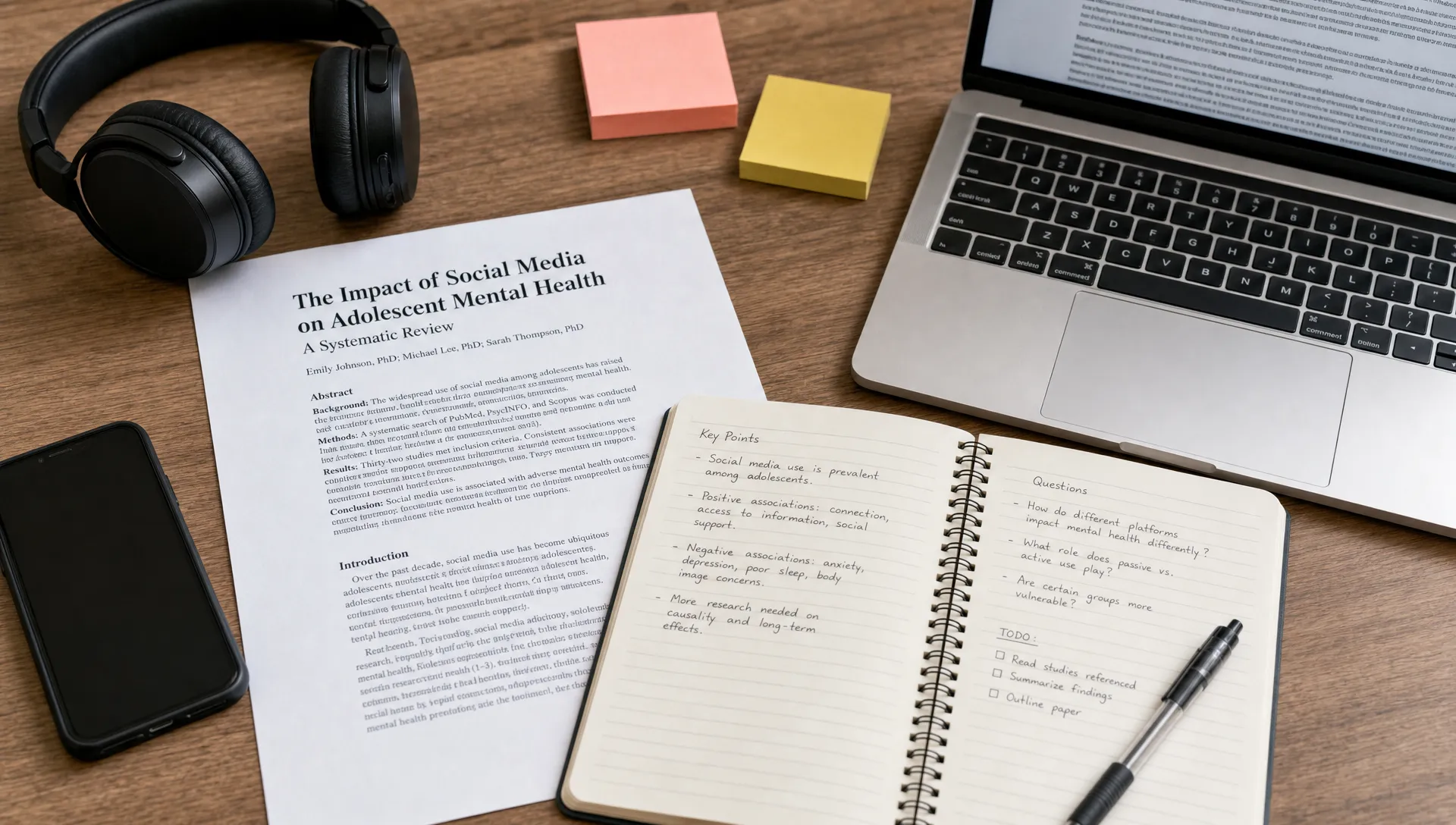
After orientation, go back to the original. This step is easy to skip, but it is where real comprehension grows. Read the sections that are most relevant to your question. Mark claims, evidence, examples and confusing points.
The app should support the reading process, not become the only thing you read. This is especially important for research papers, legal documents, medical information, financial reports or anything where errors have consequences.
Ask for reframing when attention drops
When you notice your focus weakening, do not immediately push harder. Ask what kind of difficulty you are facing.
If the wording is too complex, ask for a simpler explanation. If the structure is unclear, ask for an outline. If the argument feels abstract, ask for an example. If you understand the pieces but not the whole, ask how the ideas connect.
This is where context aware reframing is useful. A tool like unrav.io is designed around different ways of seeing the same content, such as quick grasping, deeper insight or teaching. That can help you reenter the material from a better angle.
Turn reading into recall
Focus improves when reading has an endpoint. If your only goal is to finish the document, your mind has little reason to organize what you read.
End your session by turning the content into something active: a short note, a list of questions, a concept map, a study guide, an outline or a teaching explanation. Students can use this for exam preparation. Researchers can use it to compare papers. Professionals can use it to prepare a brief. Creators can use it to extract ideas for future content.
If recall is your main goal, it helps to choose tools that generate questions and prompts rather than only polished summaries. The article on choosing a study guide generator that aids recall covers this distinction in more detail.
When a reading comprehension app will not fix focus
A reading comprehension app can reduce mental load, but it cannot solve every attention problem. Sometimes the issue is the reading environment, the task design or your physical state.
It may not help much if you are sleep deprived, constantly checking messages or trying to read material that is not relevant to any real goal. It also cannot guarantee that a source is accurate, balanced or worth trusting. You still need judgment, especially when the content influences research, health, money, policy or public communication.
There is also a risk of passive use. If you only read generated summaries, your focus may improve in the short term while your understanding stays thin. For low stakes material, that may be fine. For important material, use summaries as scaffolding and return to the source.
A simple rule works well: use the app to find your way in, then use your own reading to verify, question and connect.
How to choose a reading comprehension app for focus
If focus is your main problem, do not choose a tool only because it produces short summaries. Shorter is not always clearer. Look for features that help you stay oriented, make decisions about reading depth and turn material into usable outputs.
Useful qualities include:
- Support for the formats you actually use, such as articles, PDFs, YouTube videos, podcasts or pasted text
- Multiple reading modes, so you can skim, study, teach or analyze depending on the task
- Explanations that preserve context rather than flattening everything into generic bullet points
- Low friction access, such as a browser extension or no signup trial path
- Outputs that support learning, including questions, notes, outlines or simplified explanations
For web based reading, a browser extension can be helpful because it lets you work near the content instead of copying everything into another tool. If that is part of your workflow, see this guide on how to choose a Chrome extension for understanding content better.
unrav.io fits this focus oriented use case because it is built around comprehension rather than simple compression. It can help you approach links, text, PDFs, YouTube videos and podcasts through different thinking modes, including quick grasp and teach it style reframing. That makes it useful when your goal is not just to finish content faster, but to understand what to do with it.
Practical examples by reader type
A reading comprehension app can support focus differently depending on the work you do.
Students can use it before reading a textbook chapter to identify key concepts, then turn the chapter into review questions after class. This makes reading feel less open ended and helps connect attention to exam preparation.
Researchers can use it to triage papers before committing to a full read. A quick orientation can reveal the research question, method and relevance, while deeper reading remains necessary for evidence and limitations.
Professionals can use it to process reports, industry articles and client documents. The app can extract structure and decision relevant points, then the reader can verify the details before sharing a brief.
Educators can use it to simplify difficult material without losing the core idea. A teach it mode can help translate dense language into explanations that fit a lesson or discussion.
Creators can use it to turn long interviews, essays or videos into outlines, scripts or newsletters. The focus benefit comes from reducing the blank page problem after consuming a source.
Across all of these examples, the value is not automatic productivity. The value is a clearer path through complex information.
Frequently Asked Questions
Can a reading comprehension app really improve focus? Yes, when the focus problem comes from cognitive overload, unclear structure or unfamiliar material. It helps by giving you orientation, reframing difficult passages and turning content into usable notes. It will not fix distraction caused by poor sleep, multitasking or lack of purpose.
Is a reading comprehension app the same as a summarizer? Not exactly. A summarizer makes content shorter. A reading comprehension app should help you understand structure, meaning, terms, context and connections. Summaries can be part of that, but they are not the whole job.
Should students use AI to read assigned material? Students can use AI to preview, clarify and review assigned material, but they should still read important sections themselves. The best use is active learning: ask questions, test recall and compare the app’s output with the source.
Can researchers use these tools for academic papers? Yes, especially for triage, orientation and identifying difficult sections. Researchers should still inspect methods, data, citations, limitations and claims directly in the paper before relying on conclusions.
What is the best way to avoid becoming too dependent on the app? Use it before and after reading, not instead of reading. Start with orientation, read the source, then use the app to test your understanding or turn notes into questions.
Build a reading workflow that protects your attention
A reading comprehension app can improve focus when it helps you reduce friction, choose the right reading depth and stay connected to your purpose. It is most useful for dense, long or unfamiliar material where your attention breaks because the task is mentally overloaded.
If you want to try this workflow, start with one piece of content you have been avoiding: a PDF, long article, lecture video, podcast or report. Use a tool like unrav.io to get oriented, then return to the source with a clear question. End by turning what you learned into notes, questions or an explanation in your own words.
That combination, AI support plus active reading, is where focus becomes easier to sustain.