
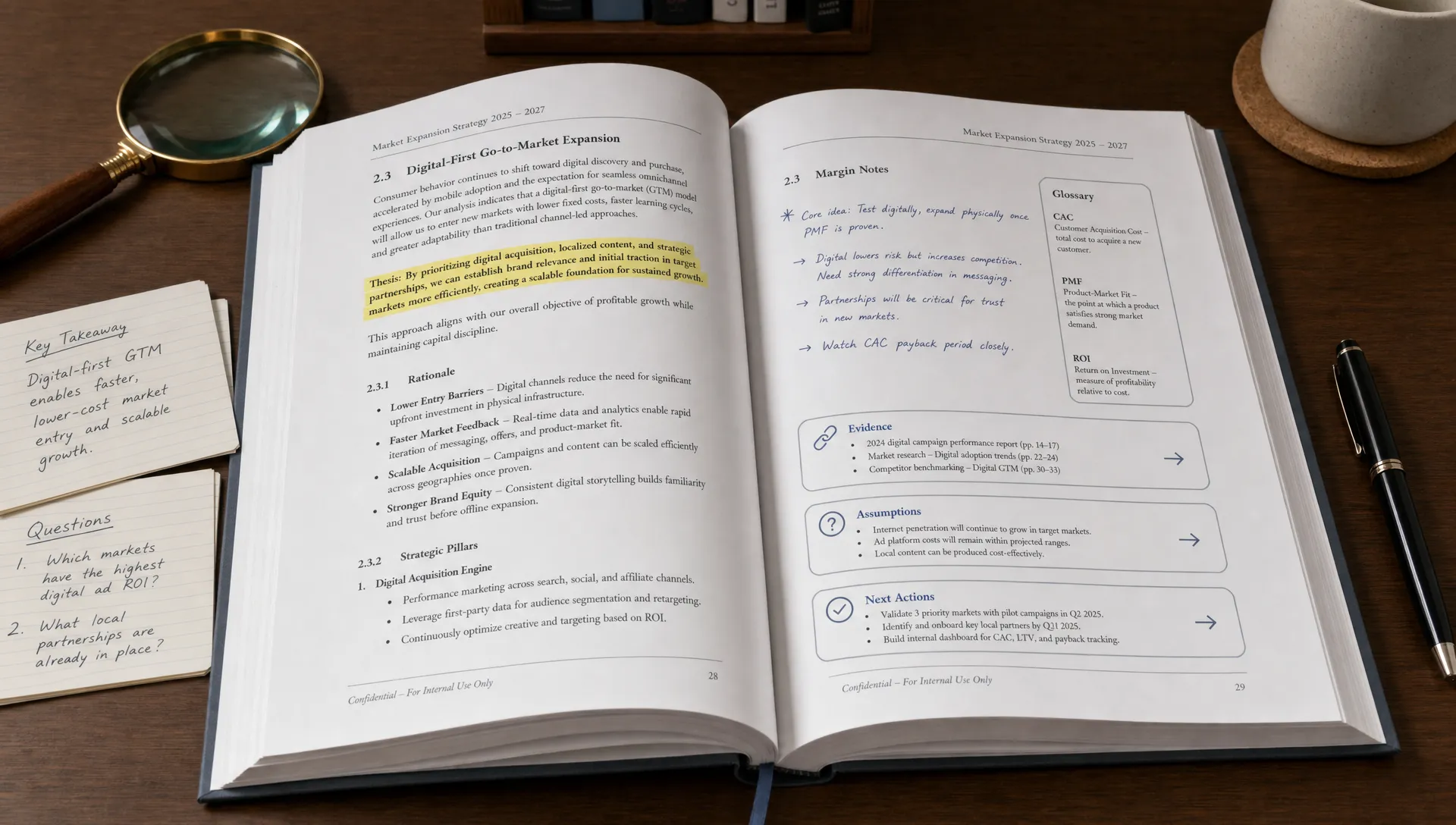
Read PDF With AI and Pull Out the Ideas That Matter
PDFs are useful because they preserve structure. They are also frustrating because that structure can hide the point. A 40-page report, a journal article, a technical manual, or a slide-exported deck may contain exactly what you need, but finding the core idea can take longer than expected.
That is where AI can help. When you read PDF with AI, the goal is not just to get a shorter version. A good workflow helps you identify the argument, evidence, assumptions, definitions, decisions, risks, and next actions inside the document.
The key is to use AI as a reading companion, not as a replacement for reading. It can help you move faster, but you still need to check important claims against the source, especially for academic, legal, medical, financial, or technical material.
What it means to read a PDF with AI
Many people start by asking an AI tool to “summarize this PDF.” That can be useful, but it often produces a polished paragraph that feels clear while leaving out the ideas that actually matter.
Reading a PDF with AI is more specific. It means asking the tool to work with the document in a way that matches your goal. For example, a student may need exam notes from a chapter. A researcher may need the method, assumptions, and limitations of a paper. A founder may need the market risks buried inside an industry report. A content creator may need reusable angles, examples, and quotes.
A strong AI PDF workflow should help you answer questions like:
- What is the main claim or purpose of this document?
- Which ideas are essential, and which are background?
- What evidence supports the main point?
- What terms, frameworks, or definitions do I need to understand?
- What caveats or limitations change how I should interpret the document?
- What can I turn into notes, questions, slides, briefs, or content?
This is why simple summarization is not always enough. If you want a deeper explanation of that gap, unrav.io has a useful guide on why summarizing falls short without real understanding.
Start by defining what “matters”
Before you ask AI to process a PDF, decide what counts as important. “Important” is not universal. It depends on why you are reading.
A student reading a textbook chapter may care about definitions, formulas, examples, and likely exam questions. A researcher reading a paper may care about the research question, method, findings, limitations, and how the paper connects to prior work. A manager reading a strategy report may care about trends, risks, recommendations, and decisions. A creator reading a white paper may care about hooks, statistics, arguments, and content angles.
If you skip this step, the AI may choose what matters based on generic importance. That can lead to a neat summary that ignores your actual task.
A better first prompt is:
I am reading this PDF to [your goal]. Identify the ideas that matter most for that goal. Separate main claims, supporting evidence, definitions, caveats, and possible next actions.
That one sentence gives the AI a job. It also makes the output more useful because it organizes the PDF around your purpose instead of treating every paragraph equally.
A practical workflow to pull out the ideas that matter
You do not need a complicated system. A simple sequence works well for most PDFs, from research papers to business reports.
1. Ask for a document map first
Do not begin with conclusions. First, ask the AI to map the PDF’s structure. This helps you see what kind of document you are dealing with.
Try this prompt:
Give me a section-by-section map of this PDF. For each section, explain its purpose in one sentence and list the main idea it contributes to the document.
This is especially helpful when the PDF is long or poorly formatted. You may discover that the most useful information is in the discussion, appendix, methodology, or a table rather than the introduction.
2. Extract claims, evidence, and implications separately
A common problem with AI summaries is that they blend different types of information together. A claim is not the same as evidence. A recommendation is not the same as a finding. A limitation is not the same as a weakness.
Ask for separation:
Extract the main claims from this PDF. For each claim, show the evidence used to support it, the section where it appears, and the practical implication.
This makes the output easier to evaluate. If a claim has weak evidence, you will notice. If a practical implication is AI-generated rather than stated in the PDF, you can ask the tool to clarify.
3. Ask what the document assumes
Dense PDFs often rely on hidden assumptions. A market report may assume a certain economic environment. A scientific paper may assume a specific model is valid. A policy document may assume a definition that not everyone accepts.
Use this prompt:
What assumptions does this PDF rely on? Separate assumptions that are explicitly stated from assumptions that seem implied. Point to the relevant sections when possible.
This is useful for researchers, analysts, and anyone making decisions from a document. It helps prevent passive reading, where the PDF sounds authoritative simply because it is long and formal.
4. Pull out definitions and key terms
For technical PDFs, terminology can block understanding. Instead of asking for a general summary, ask AI to build a glossary from the document.
Try:
Create a glossary of the key terms in this PDF. Define each term in plain English, explain why it matters in the document, and include any related terms.
Students can turn this into study notes. Educators can turn it into teaching material. Professionals can use it to get up to speed before a meeting.
5. Turn the PDF into questions
If you want to remember what you read, questions are often better than notes. They force recall and reveal gaps in understanding.
Ask:
Turn this PDF into 12 study or review questions. Include a mix of basic comprehension, deeper analysis, and application questions. Provide short answers after the questions.
For academic reading, this is especially useful after creating a summary. If you work with research papers often, you may also find this guide on summarizing a research paper without losing the point helpful.
6. Verify the important parts against the PDF
AI can misread, over-compress, or miss context. For important documents, always verify the output.
Ask the tool to point back to the source:
For the five most important ideas you identified, show where each appears in the PDF and include the surrounding context I should check.
This step matters because your goal is not just speed. It is reliable understanding. If a claim affects a grade, publication, business decision, legal review, or client recommendation, check the original wording.
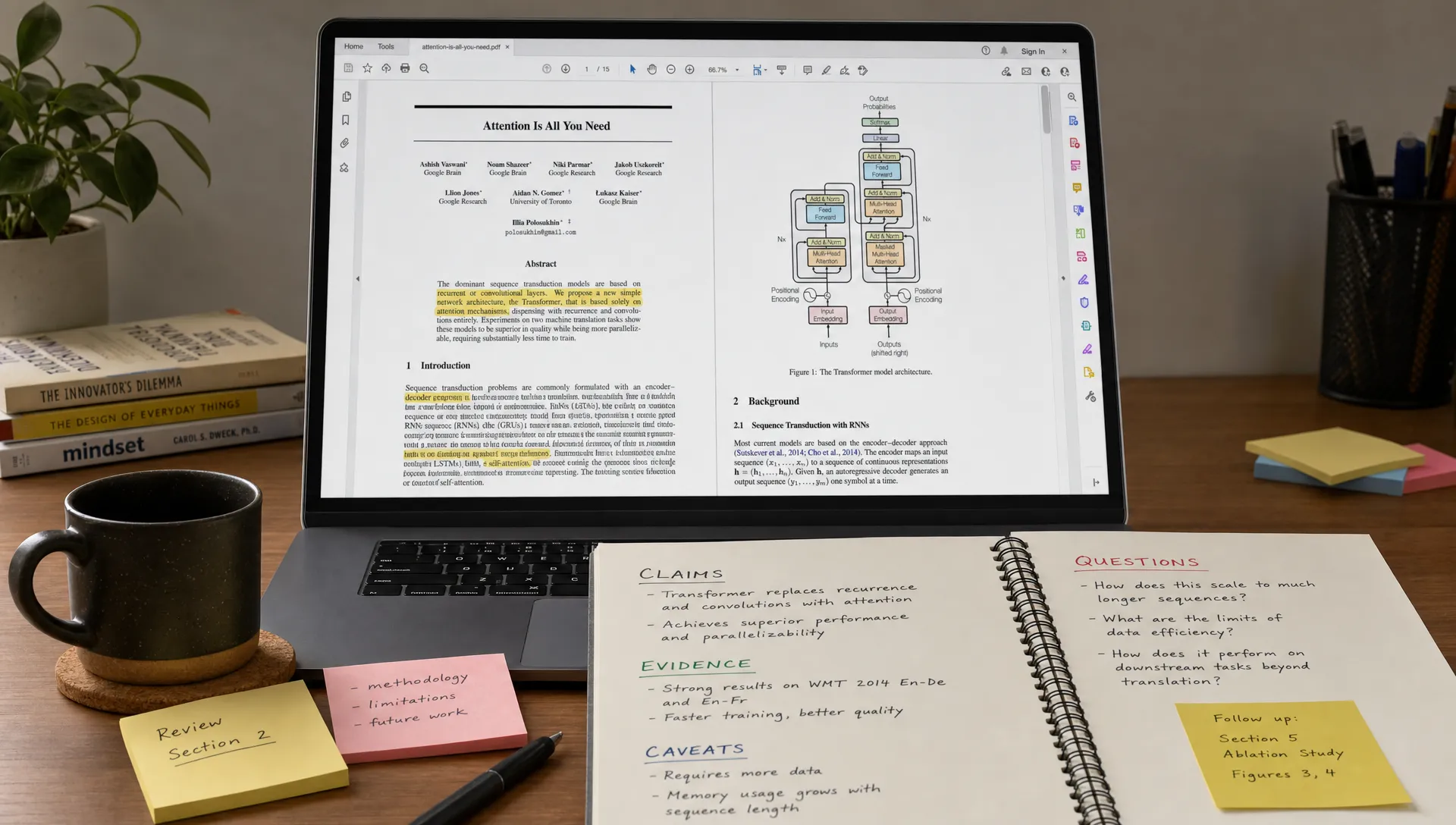
Useful prompts for different PDF reading goals
The best prompt depends on the kind of document and the reason you are reading it. Use the table below as a starting point, then adapt it to your situation.
| Reading goal | What to ask AI for | Example prompt |
|---|---|---|
| Study a chapter | Concepts, definitions, examples, quiz questions | “Turn this chapter into study notes with key terms, examples, and practice questions.” |
| Understand a research paper | Research question, method, findings, limitations | “Extract the paper’s research question, methodology, main findings, limitations, and contribution.” |
| Review a business report | Trends, risks, recommendations, decisions | “Identify the strategic insights, risks, assumptions, and recommended actions in this report.” |
| Analyze a technical manual | Procedures, warnings, dependencies, troubleshooting | “Extract the steps, prerequisites, warnings, and common failure points from this manual.” |
| Repurpose content | Angles, examples, quotes, outline ideas | “Pull out ideas from this PDF that could become a newsletter, video outline, or teaching segment.” |
You can also ask the AI to produce multiple outputs from the same PDF. For example, you might request a one-page brief, a glossary, a set of questions, and a list of caveats. Each format reveals a different layer of the document.
How to avoid shallow AI summaries
The biggest mistake is treating every PDF the same. A research paper, investor memo, lecture handout, court filing, and product manual should not receive the same prompt.
Another mistake is asking only for a short summary. Shorter is not always clearer. A five-bullet summary can hide the reasoning that makes the document valuable. Sometimes you need a structured extraction, not compression.
A better approach is to ask AI to preserve relationships between ideas. For example:
Explain how the main ideas in this PDF connect to each other. Show which ideas support, contradict, qualify, or depend on other ideas.
This type of prompt moves you from “What does it say?” to “How does it work?” That difference matters when you are trying to learn, teach, critique, or make decisions.
If you chat with PDFs directly, context can become a challenge, especially in long documents. For more on that problem, see this guide on chatting with PDF files without losing context.
How unrav.io fits into this workflow
unrav.io is designed for people who do not just want a summary. It helps you reframe content depending on what you are trying to do, whether you need a quick grasp, deeper insight, or a teachable explanation.
For PDFs, that means you can approach a document from different angles instead of flattening it into one generic output. You might start with a quick understanding of the PDF, then switch into a mode that helps explain it more clearly, connect ideas, or turn the material into something easier to use.
Because unrav.io also works with links, text, YouTube, and podcasts, it can support the broader learning workflow around a PDF. A researcher might compare a paper with a talk. A student might combine a lecture video with assigned reading. A creator might turn a report and podcast into an outline for a script or newsletter.
You can try unrav.io when you want an AI reading companion focused on comprehension, retention, and reframing rather than simple text shortening.
A simple PDF reading template you can reuse
If you want a repeatable process, use this template whenever you open a dense PDF with AI:
- Purpose: “I am reading this PDF because I need to understand [goal].”
- Map: “Give me a section-by-section map of the document.”
- Core ideas: “Extract the main claims, evidence, definitions, caveats, and implications.”
- Questions: “Create review questions that test both comprehension and deeper understanding.”
- Verification: “Point me to the source sections for the most important claims.”
- Output: “Turn the results into [study notes, briefing memo, outline, glossary, lesson plan, or content ideas].”
This keeps the AI focused. It also gives you a clearer path from “I have a long PDF” to “I know what matters and what to do next.”
Frequently Asked Questions
Can AI read any PDF? AI tools can usually work with many PDFs, but quality depends on the file. Clean text-based PDFs are easier to process than scanned documents, image-heavy slides, complex tables, or files with unusual formatting. Always check important details against the original.
Is reading a PDF with AI the same as summarizing it? Not exactly. Summarizing makes the document shorter. Reading with AI can include mapping the structure, extracting claims and evidence, defining terms, creating questions, identifying caveats, and turning the PDF into usable notes.
Can I use AI to read research papers? Yes, but you should use structured prompts. Ask for the research question, method, findings, limitations, assumptions, and contribution. For serious academic work, verify the AI output against the paper before citing or relying on it.
How do I get better answers from an AI PDF tool? Tell the AI why you are reading the PDF, what output you need, and what level of detail you want. Ask follow-up questions by section, and request evidence or source locations for important claims.
Should I still read the original PDF? Yes, at least for important material. AI can help you navigate and understand the PDF faster, but it should not replace careful reading when accuracy, nuance, or accountability matters.
The next step: read for ideas, not just summaries
The best way to read PDF with AI is to stop asking only for shorter text. Ask for structure. Ask for claims. Ask for evidence. Ask for caveats. Ask the AI to turn the document into questions, notes, explanations, or decisions you can actually use.
A PDF becomes easier to understand when you know what role each idea plays. That is the real value of AI-assisted reading: not skipping thought, but making the thinking process clearer.