How Adults Can Choose Reading Comprehension Apps
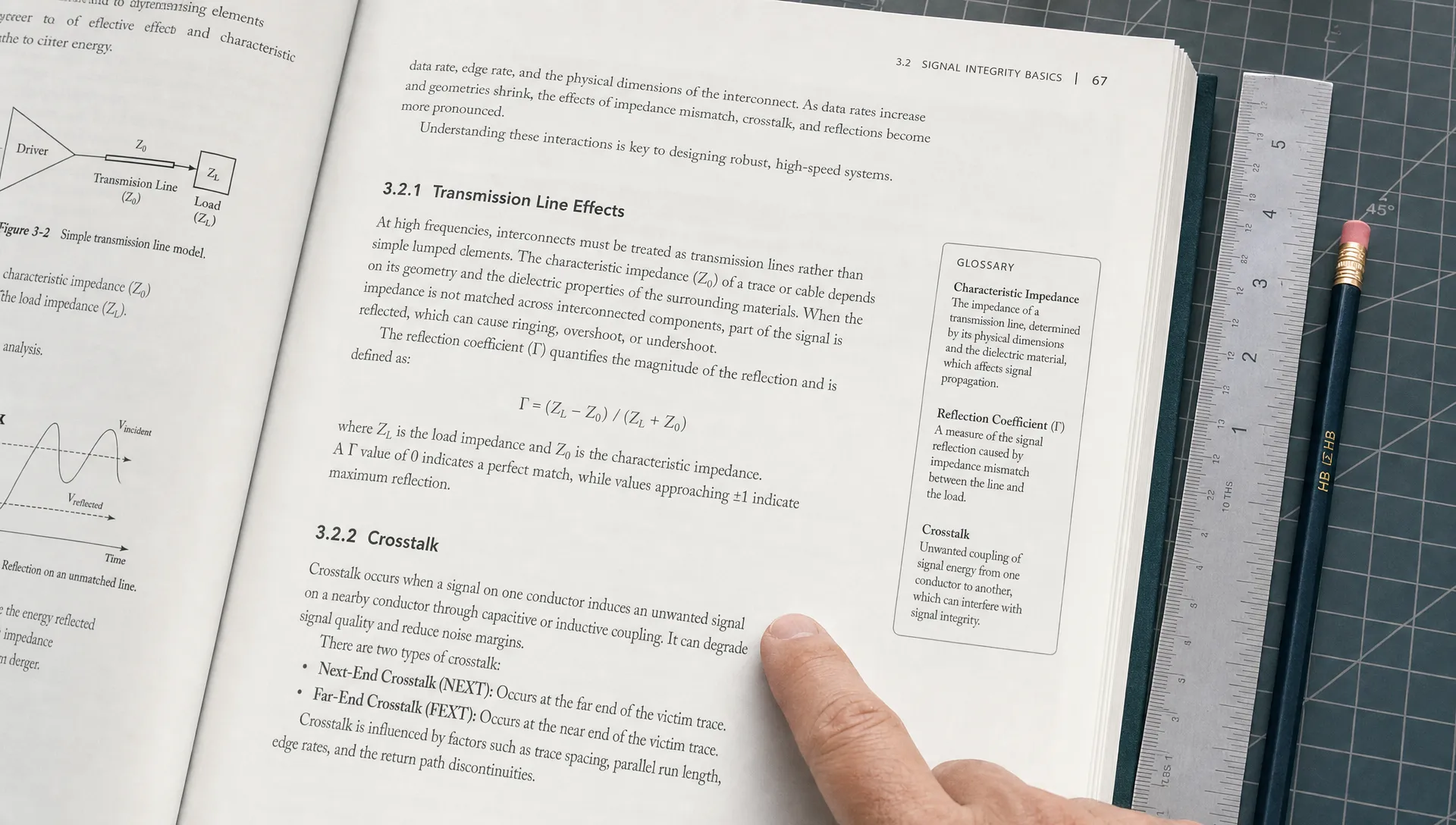
If you are searching for reading comprehension apps for adults, you are probably not trying to relearn basic reading skills. More likely, you are trying to get through dense articles, PDFs, research papers, training material, reports, legal documents, technical documentation, lectures or long videos without losing the thread.
That is a different problem from speed reading or simple summarization. Adults need tools that help them understand meaning, remember what matters and use information in real work or study. The right app should make complex material easier to work with, without hiding the nuance you still need to judge for yourself.
This guide explains how to choose a reading comprehension app based on your goals, content types, workflow and level of difficulty.
Adults need task-based comprehension support
Many reading apps were designed for children, language learners or standardized test prep. Those can be useful in the right context, but adult readers often need something more practical. They are not just decoding sentences. They are trying to extract arguments, compare ideas, prepare for exams, summarize meetings, evaluate claims or turn long material into notes.
The OECD Survey of Adult Skills describes adult literacy as the ability to understand, evaluate, use and engage with written texts. That definition matters because it shifts the focus away from reading more words and toward doing something useful with what you read.
For adults, a good comprehension app should help answer questions like these:
- What is the author actually saying?
- Which claims are supported by evidence?
- Which terms or concepts do I need to understand first?
- What should I remember later?
- How can I explain this to someone else?
A useful app does not remove the need to read important material. It gives you a clearer path through the material so you can decide where to skim, where to slow down and where to check the source closely.
Start with your reading goal
Before comparing features, identify the main job you need the app to do. Reading comprehension apps for adults vary widely. Some are built for quick summaries, some for studying, some for accessibility and some for research workflows. A tool that works well for news articles may be weak for academic PDFs or technical reports.
| Your goal | What the app should help you do | What to avoid |
|---|---|---|
| Get the gist quickly | Produce a clear overview, key points and main conclusion | Overly brief summaries that remove context |
| Study and remember | Turn material into questions, explanations or structured notes | Passive summaries with no recall support |
| Understand complex ideas | Reframe difficult sections in simpler language | Generic explanations that ignore the source |
| Evaluate information | Separate claims, evidence, assumptions and open questions | Confident answers without showing uncertainty |
| Repurpose content | Convert long material into outlines, briefs, scripts or teaching notes | Outputs that sound polished but distort meaning |
If your goal changes depending on the document, look for an app with flexible reading modes. For example, you may want a fast overview before deciding whether a paper matters, then a deeper explanation once you know it is worth reading. The difference between these workflows is covered in more detail in this guide to choosing the right quick grasp or deep dive reading mode.
Check whether the app handles your real reading sources
The best app on a feature list is not useful if it cannot read the material you actually use. Adults often move across formats: web articles, PDFs, newsletters, slide decks, video lectures, podcasts and copied text from internal documents. If an app only works in one environment, it may create more friction than it removes.
Students may need support for textbook chapters, lecture transcripts and assigned PDFs. Researchers may need journal articles with dense methods sections. Professionals may need reports, market analysis, client documents and policy updates. Content creators may need to turn long interviews or videos into outlines.
Use this comparison to narrow your options:
| Content type | Useful app capability | Why it matters |
|---|---|---|
| Web articles | Link support or browser extension | Reduces copying and pasting during everyday reading |
| PDFs | PDF upload or PDF-aware reading | Helps with papers, reports, manuals and course readings |
| YouTube videos | Video understanding or transcript support | Turns long videos into searchable ideas and notes |
| Podcasts | Audio or transcript-based understanding | Helps when valuable material is not written down |
| Pasted text | Flexible text input | Works for emails, excerpts, drafts and internal notes |
This is where a tool like unrav.io can fit naturally for mixed reading workflows. It supports links and text, works with YouTube and PDFs, includes podcast understanding and lets you reframe content depending on your goal. That matters if your reading problem is not limited to one format.
Prioritize understanding over compression
Many tools summarize. Fewer tools improve comprehension. The difference is important.
A summary makes content shorter. A comprehension app should also help you see structure: what the text is about, how the argument works, which ideas depend on other ideas and where you may need to slow down. A short summary can be useful, but it can also create false confidence if it skips definitions, methods, exceptions or limitations.
Look for features that support active understanding:
- Context-aware explanations of difficult passages
- Adjustable depth, from quick overview to deeper explanation
- Questions that test whether you understood the material
- Reframing for different purposes, such as teaching, studying or briefing
- Clear separation between main ideas, supporting details and open questions
This matters most when the material is dense. If your attention tends to break halfway through a long document, the problem may be cognitive load rather than discipline. A reading tool that chunks, reframes and guides your attention can be more useful than one that only shortens the text. For a closer look at that situation, see this guide on when a reading comprehension app can improve your focus.
Test the app with one difficult text
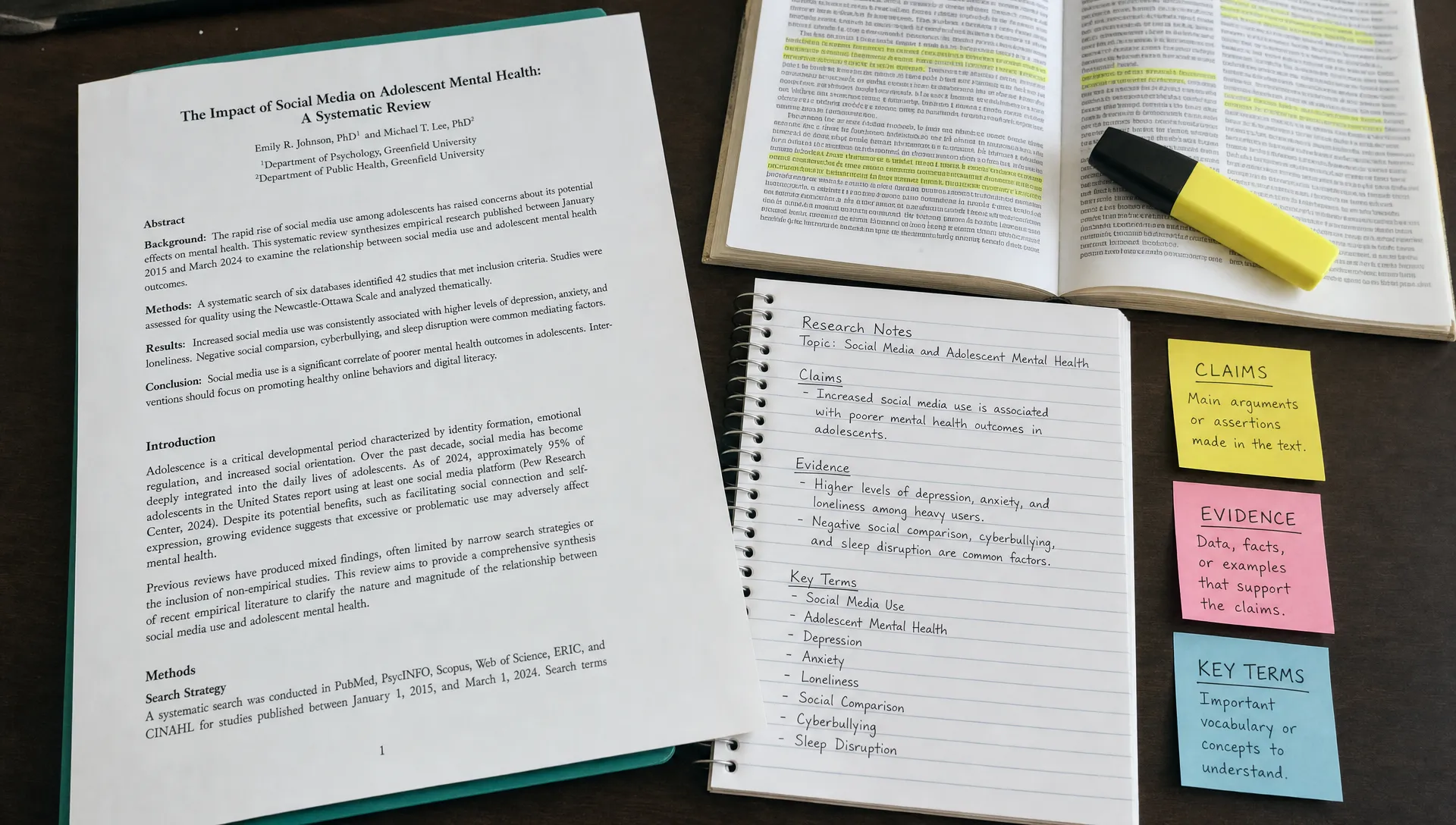
Do not choose a reading comprehension app only from screenshots. Test it on something you already know is difficult. A good evaluation takes about 20 minutes and reveals whether the tool helps you understand or only gives you a polished-looking output.
Use one text from your real life: a journal article, a work report, a long article, a policy brief, a technical guide or a lecture transcript. Then run the same material through two or three apps and compare the results.
Try this simple test:
- Ask for a quick overview of the material.
- Ask the app to explain the hardest section in simpler language.
- Ask it to identify the main claim and the evidence behind it.
- Ask it to create five recall questions.
- Check the output against the original source.
The last step is the most important. An app can sound helpful while missing a key caveat or simplifying an argument too much. For serious reading, you want support that makes the source easier to inspect, not output that encourages you to stop checking.
| Test prompt | Strong signal | Weak signal |
|---|---|---|
| Summarize this article | Captures main point, scope and conclusion | Lists generic points without structure |
| Explain this section simply | Preserves meaning while reducing complexity | Changes the meaning to sound simpler |
| What evidence supports the claim? | Points to relevant reasons, examples or data | Treats every statement as equally important |
| Create study questions | Asks questions that require recall and explanation | Produces vague questions with obvious answers |
| What should I reread? | Identifies difficult, important sections | Says everything is equally important |
Consider privacy, workflow and friction
Reading comprehension often involves sensitive material. Work documents, unpublished research, client notes, internal reports and personal study files may contain information you should not paste into any tool without checking the rules first. Before using an app for professional or academic work, review its privacy policy and follow your organization’s guidance.
Workflow matters too. A powerful app that requires too many steps may not survive daily use. If most of your reading happens in a browser, a Chrome extension can save time. If you study from PDFs, PDF handling matters more. If you learn from video lectures, transcript or video support may be essential.
Also consider whether the app lets you try it before building a new account or changing your workflow. No-signup access can be helpful when you simply want to test whether a tool fits your material. unrav.io offers no-signup use, which makes it easier to try on a real article, PDF, video or pasted text before deciding how it fits your routine.
Match the app to your role
Different adults need different kinds of comprehension support. A student preparing for an exam does not read the same way as a founder scanning market reports or an educator preparing a lesson.
If your main use case is journal literature, methods sections or citation-heavy PDFs, you may want a more specific checklist for academic work. This guide on how to choose the best app for reading academic papers goes deeper into that scenario.
| Reader type | Choose an app that helps with | Most useful output |
|---|---|---|
| Students | Course readings, exam prep and recall | Study notes, explanations and practice questions |
| Researchers | Papers, methods and related findings | Claim summaries, method breakdowns and comparison notes |
| Knowledge workers | Reports, briefs and industry updates | Executive summaries, decisions and action points |
| Content creators | Articles, podcasts, interviews and videos | Outlines, scripts, newsletters and idea maps |
| Educators | Complex material for teaching | Simplified explanations, examples and lesson structures |
| Lifelong learners | Books, essays, lectures and unfamiliar topics | Clear overviews, definitions and guided exploration |
The goal is not to find the most feature-packed app. It is to find the app that best supports the kind of thinking you do after reading.
Common mistakes when choosing a reading comprehension app
One common mistake is choosing the app that produces the shortest summary. Short can be useful when you are triaging material, but comprehension usually needs structure, context and the ability to go deeper.
Another mistake is ignoring the source format. If half your learning comes from YouTube lectures or podcasts, a web-only article summarizer will leave gaps in your workflow. If most of your work is in PDFs, browser-only tools may slow you down.
A third mistake is treating AI output as final. Reading comprehension apps can help you move faster, but they can also miss nuance. Use them to orient yourself, create questions, organize ideas and decide where to reread. For high-stakes work, always return to the original material.
Frequently Asked Questions
Are reading comprehension apps for adults different from speed reading apps? Yes. Speed reading apps usually focus on moving through text faster. Reading comprehension apps focus on understanding, reframing, remembering and using the material. For dense work, comprehension is usually more valuable than raw speed.
Can a reading comprehension app replace reading the full document? No. It can help you decide what matters, understand difficult sections and prepare better notes. For important decisions, exams, research or legal and medical topics, you should still inspect the original source.
What should students look for in a reading comprehension app? Students should look for explanations, recall questions, adjustable depth and support for course materials such as PDFs, articles and lecture content. A good app should help you study actively rather than only produce summaries.
What should researchers look for? Researchers should prioritize PDF support, careful handling of claims and methods, source-aware explanations and the ability to compare papers. The app should help clarify the paper without flattening uncertainty or overstating findings.
How do I know if an app is actually improving comprehension? Test it on a difficult text you already understand partially. If the app helps you explain the main claim, define key terms, identify evidence and answer recall questions more accurately, it is supporting comprehension.
Take the next step
The best reading comprehension apps for adults make complex material easier to inspect, question and remember. Start by choosing one real reading problem: a dense PDF, a long article, a video lecture or a report you have been avoiding. Then test whether the app helps you understand the material better, not just faster.
If your reading spans articles, PDFs, YouTube videos, podcasts and pasted text, try unrav.io with one piece of content you already need to understand. Use a quick mode to orient yourself, then reframe the material more deeply when it deserves closer attention.