
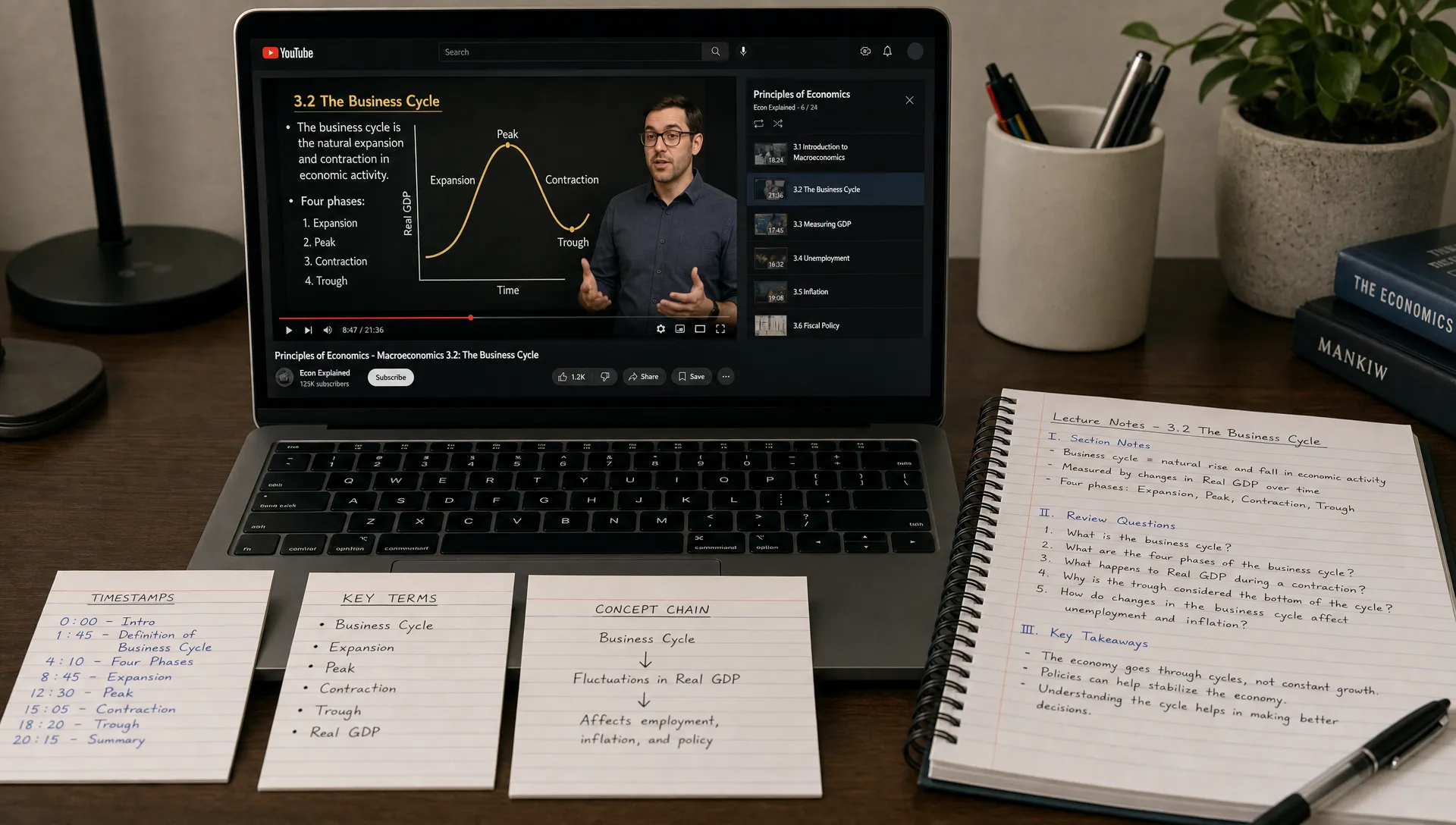
Best YouTube Note Taking Extension for Learning From Videos
Watching YouTube to learn is easy. Turning a 45-minute lecture, tutorial, interview, or conference talk into notes you can actually use later is much harder.
You may pause every few minutes, copy lines into a document, save the video to watch again, or rely on the transcript. The problem is that none of those steps automatically create understanding. A good YouTube note taking extension should help you move from passive watching to active learning.
The best choice depends on your goal. If you only need timestamps or quotes, a basic transcript tool may be enough. If you are trying to study, research, teach, analyze, or repurpose ideas, you need something that can organize the video around meaning, not just text.
The short answer: the best extension helps you understand, not just capture
For learning-focused video notes, the best YouTube note taking extension is one that can take a video and reframe it into the kind of output you need next. That might be a quick summary, a study guide, a concept explanation, a teaching outline, or a set of key claims and examples.
That is where unrav.io is a strong fit. It is an AI-powered reading companion with a Chrome extension, support for YouTube, PDFs, podcasts, links, and pasted text, and multiple thinking modes for different learning goals. Instead of treating video notes as a transcript cleanup task, it helps you understand the material through modes such as quick grasp and teach-it.
This matters because YouTube learning usually breaks down in one of three places: you watch but do not retain, you take too many notes, or you capture details without understanding the structure. The right extension should reduce those problems without pretending you never need to think, verify, or revisit the source.
Why YouTube notes are harder than normal notes
YouTube videos are often more information-dense than they look. A creator may move from a definition to an example to a warning to a practical demo in less than two minutes. In an interview or panel, important ideas may be buried inside conversational back-and-forth. In a lecture, the instructor may rely on visuals, prior context, or spoken transitions that do not translate cleanly into a transcript.
This creates a note-taking problem. If you write everything down, you fall behind. If you write only what sounds important, you may miss how ideas connect. If you rely only on the transcript, you get a wall of words that still needs interpretation.
Good video notes should answer questions like these:
- What is the main point of the video?
- What concepts, steps, or arguments does the speaker build on?
- Which examples are actually useful later?
- What should I remember, review, or apply?
- Where do I need to go back and check the source?
Research on learning techniques also supports this distinction. A widely cited review by Dunlosky and colleagues found that passive strategies such as rereading are often less effective than active methods like practice testing and distributed review. The takeaway is simple: notes should help you retrieve, explain, and apply ideas, not just store them. You can read the review in Psychological Science in the Public Interest.
What to look for in a YouTube note taking extension
A useful extension should fit into the way you already learn. It should make videos easier to process without adding another complicated system to maintain. Before choosing one, evaluate whether it supports both capture and comprehension.
| Feature | Why it matters for learning | What to check |
|---|---|---|
| Works directly with YouTube | Reduces friction while watching lectures, tutorials, and talks | Can you use it from a video link or browser workflow? |
| Goes beyond transcript extraction | Helps turn spoken content into organized understanding | Does it identify structure, ideas, examples, and takeaways? |
| Offers different note modes | Different goals need different outputs | Can it create quick summaries, explanations, teaching notes, or study material? |
| Handles more than videos | Learning often spans videos, PDFs, articles, and podcasts | Can the same tool support multiple content formats? |
| Keeps the workflow simple | The tool should save time, not create admin work | Is it fast enough to use during normal study or research? |
| Encourages verification | AI notes can be useful, but important claims still need checking | Can you review the source when accuracy matters? |
If you are comparing AI note tools more broadly, this guide on what to look for in an AI note taking app covers the criteria that matter across classes, meetings, reading, and research.
Best overall for learning-focused video notes: unrav.io
unrav.io is best suited for people who use YouTube as a serious learning source rather than casual entertainment. That includes students watching course lectures, researchers reviewing talks, founders learning from expert interviews, creators mining long videos for ideas, and professionals trying to understand webinars or industry briefings.
Its advantage is that it focuses on content understanding. You can use the Chrome extension with YouTube, work with links or pasted text, and apply different thinking modes depending on what you need from the material. Quick grasp mode is useful when you want the main ideas fast. Teach-it mode is useful when you want the explanation simplified enough that you could explain it to someone else.
That difference is important. A transcript answers the question, what was said? A learning tool should also help answer, what does it mean, why does it matter, and how does it connect to what I already know?
Here are a few practical ways different users might use unrav.io for YouTube notes:
- Students can turn a long lecture into key concepts, definitions, likely exam themes, and review prompts.
- Researchers can extract the speaker's argument, supporting evidence, methods discussed, and open questions.
- Professionals can convert a webinar into decisions, risks, action items, and useful references.
- Content creators can transform an interview or presentation into an outline, newsletter draft, or topic list.
- Educators can simplify a complex talk into teaching notes or discussion questions.
No AI tool should replace careful reading, expert judgment, or checking important claims. But a good tool can give you a clearer starting point and reduce the time spent wrestling with raw information.
A practical workflow for better YouTube notes
Choosing the extension is only half the process. The other half is using it in a way that supports learning. A messy workflow will still produce messy notes, even with a good tool.
If you want a dedicated step-by-step process, the YouTube video to notes workflow for faster learning goes deeper. The framework below gives you a simple version you can apply immediately.
Start with a purpose before watching
Before you generate notes, decide what kind of learning you want. Are you trying to pass an exam, understand a theory, evaluate a product strategy, summarize an expert interview, or create content from the video?
This changes what good notes look like. A student may need definitions and practice questions. A researcher may need claims, evidence, and limitations. A creator may need themes, hooks, and reusable examples.
Use a quick grasp first
For long videos, avoid deep note-taking immediately. Start by getting the core structure: the topic, the main argument, the sections, and the most important takeaways. This helps you decide whether the video deserves close attention.
With unrav.io, this is the kind of task quick grasp mode is designed for. It gives you an entry point before you commit to deeper review.
Reframe the video into your learning format
Once you know the video is useful, turn it into the format you actually need. This is where many basic YouTube note tools fall short. They produce a summary, but not necessarily a useful learning output.
For example, you might reframe the same video in different ways:
- As study notes for an exam
- As a plain-language explanation of a difficult concept
- As a list of claims and supporting examples
- As a teaching outline for a class or workshop
- As a content brief for an article, script, or newsletter
The value comes from matching the output to the next step. Notes are not the final goal. Learning, explaining, deciding, or creating is the goal.
Verify anything important
AI-generated notes can help you understand faster, but they are not a substitute for checking the original video when accuracy matters. If you plan to cite a claim, use a statistic, make a business decision, or study for a high-stakes exam, revisit the relevant section of the source.
A healthy workflow is not blind trust. It is faster orientation followed by focused verification.
Turn notes into review material
After the video, convert the key ideas into something you can revisit. This could be flashcards, review questions, a short explanation in your own words, or a concept map. The more actively you use the notes, the more likely they are to stick.
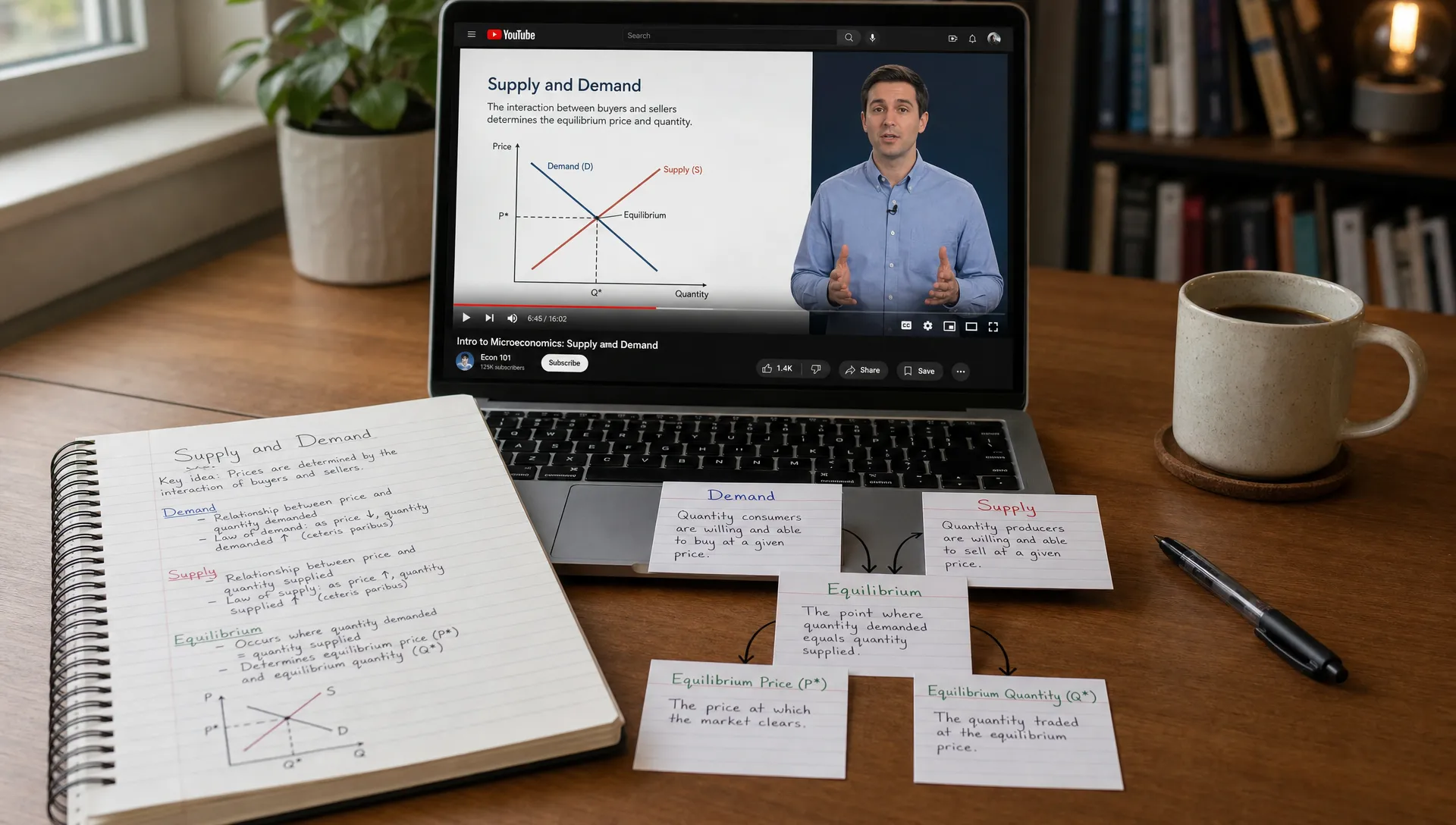
Best extension features by use case
The best YouTube note taking extension for one person may not be the best for another. The key is to choose based on the type of video work you do most often.
| Use case | Best note output | What the extension should prioritize |
|---|---|---|
| Studying lectures | Concepts, definitions, examples, and review questions | Clear explanations and study-friendly structure |
| Learning technical tutorials | Steps, prerequisites, warnings, and troubleshooting notes | Sequencing and practical detail |
| Researching expert talks | Claims, evidence, methods, limitations, and references to verify | Argument structure and nuance |
| Watching business webinars | Key insights, decisions, risks, and action items | Concise synthesis and relevance |
| Repurposing creator interviews | Themes, quotes to verify, storylines, and content angles | Flexible reframing for different formats |
| Teaching from videos | Simplified explanations, discussion prompts, and examples | Teach-it style transformation |
This is why a single summary button is often not enough. Learning from videos requires flexible outputs. The same video can be a study guide, a briefing note, a lesson plan, or a content outline depending on your role.
When a basic transcript tool is enough
Not every YouTube video needs AI-powered reframing. Sometimes, a simple transcript-based note tool is perfectly fine.
A basic tool may be enough if you only need to find a quote, skim a short video, copy a few steps from a tutorial, or create accessibility notes. For short, simple, factual videos, the transcript may already give you most of what you need.
But transcripts become less useful when the video is long, nuanced, or concept-heavy. A one-hour lecture transcript can easily become harder to study than the video itself. In those cases, the better tool is the one that can organize ideas, separate main points from examples, and help you reshape the material for your purpose.
How to test a YouTube note taking extension in 10 minutes
Before committing to any extension, test it with one video you already know is useful. Choose something long enough to have structure, such as a 20-minute lecture, conference talk, or tutorial.
Then ask the tool for a learning-focused output and evaluate the result. You are not looking for perfection. You are looking for whether the notes help you think more clearly than the raw video or transcript.
Use these checks:
- Does the output identify the main idea correctly?
- Does it separate core points from supporting examples?
- Does it preserve important nuance instead of flattening everything?
- Can it turn the video into the format you need, such as study notes or a teaching outline?
- Does it make you want to review the right parts of the source?
- Is the workflow fast enough that you would actually use it every week?
If the answer is mostly yes, the extension is doing its job. If the notes are polished but generic, it may not be the right tool for serious learning.
Common mistakes to avoid when taking notes from YouTube
The first mistake is saving too much. Many learners confuse more notes with better notes. In reality, long notes often hide the few ideas you actually need to remember.
The second mistake is accepting a summary without processing it. If you read AI-generated notes once and move on, you may feel productive without retaining much. Use the notes to ask questions, explain the concept, or make a decision.
The third mistake is ignoring context. A speaker may make a claim based on a specific audience, date, assumption, or use case. Good notes should preserve that context when it matters.
The fourth mistake is using one format for every video. A technical tutorial needs different notes than a philosophy lecture, medical explainer, policy interview, or product strategy talk. This is why modes and reframing are valuable.
The fifth mistake is separating video notes from the rest of your learning. YouTube is rarely the only source. You may also have PDFs, articles, books, podcasts, and class materials. A tool that handles several formats helps keep your understanding connected. If audio learning is part of your routine too, this guide on how to take notes from podcasts with AI may help you build a similar workflow for episodes.
FAQ
What is the best YouTube note taking extension for students? The best option for students is one that turns videos into study-friendly notes, not just transcripts. Look for clear summaries, concept explanations, review prompts, and the ability to reframe a lecture based on your course or exam goal. unrav.io is a strong option because it supports YouTube and offers learning-oriented modes such as quick grasp and teach-it.
Can AI notes replace watching the YouTube video? Not always. AI notes are useful for previewing, reviewing, and organizing ideas, but important material should still be checked against the source. For dense lectures, research talks, or technical tutorials, it is usually better to use AI notes as a guide for focused watching rather than a total replacement.
Is a transcript the same as good video notes? No. A transcript records what was said, while good notes explain what matters. Transcripts are useful for quotes and searching, but learning notes should organize concepts, arguments, examples, and next steps.
What should creators look for in a YouTube note taking extension? Creators should look for flexible outputs. A useful extension should help turn a long video into topic ideas, outlines, scripts, newsletters, or social posts while preserving the original meaning. It should also make it easy to identify claims or quotes that need verification.
Can the same AI tool help with PDFs, podcasts, and articles? Yes, some tools can support multiple formats. unrav.io works with YouTube, PDFs, podcasts, links, and pasted text, which is helpful if your learning workflow includes more than video.
Turn YouTube videos into notes you can actually use
The best YouTube note taking extension is not the one that produces the longest notes. It is the one that helps you understand the video faster, keep the important ideas, and turn them into something useful.
If you mostly need raw transcripts, a simple tool may be enough. But if you learn from lectures, tutorials, interviews, research talks, or webinars, choose an extension that supports deeper comprehension and flexible reframing.
Try unrav.io when you want to move from watching videos to understanding them. Use it for a quick grasp, a teach-it explanation, or a clearer set of notes you can study, teach, discuss, or build on later.